
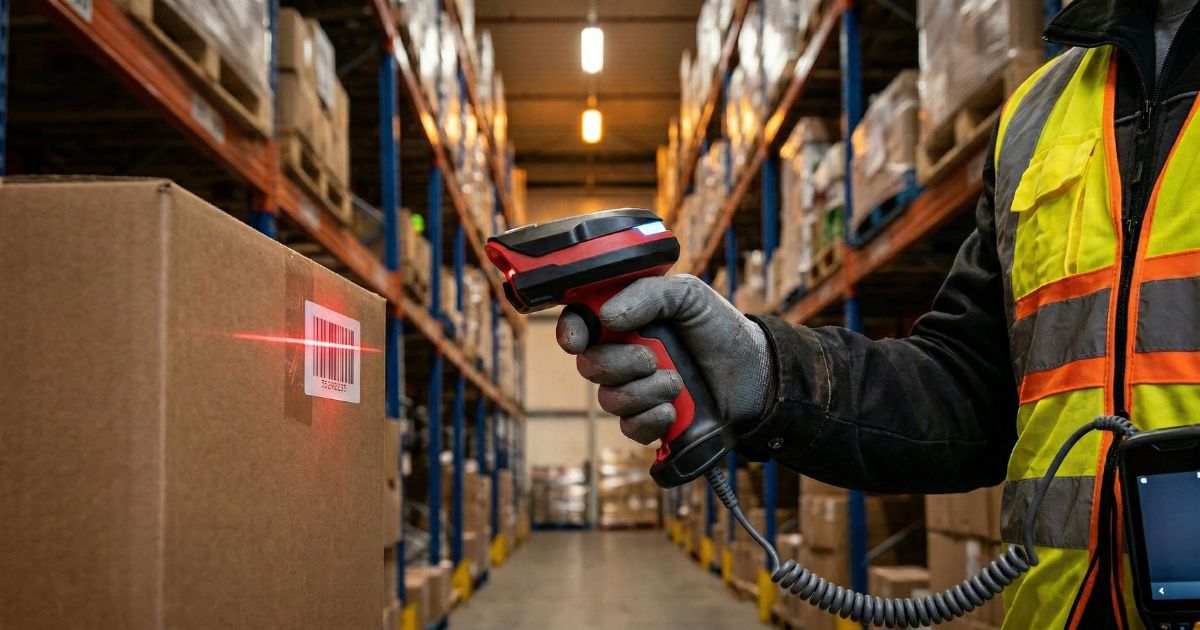
Barcode Scanners for Warehouse & Logistics: What to Look For
Choosing the Wrong Scanner Costs More Than You Think
A scanner that fails after three months on the warehouse floor doesn't cost what it says on the invoice. It costs the replacement unit, the downtime during procurement, the productivity lost while workers share devices or revert to manual processes, and the IT time spent reconfiguring a new device. In a busy operation, the total cost of a poor scanner choice is often two to three times the purchase price.
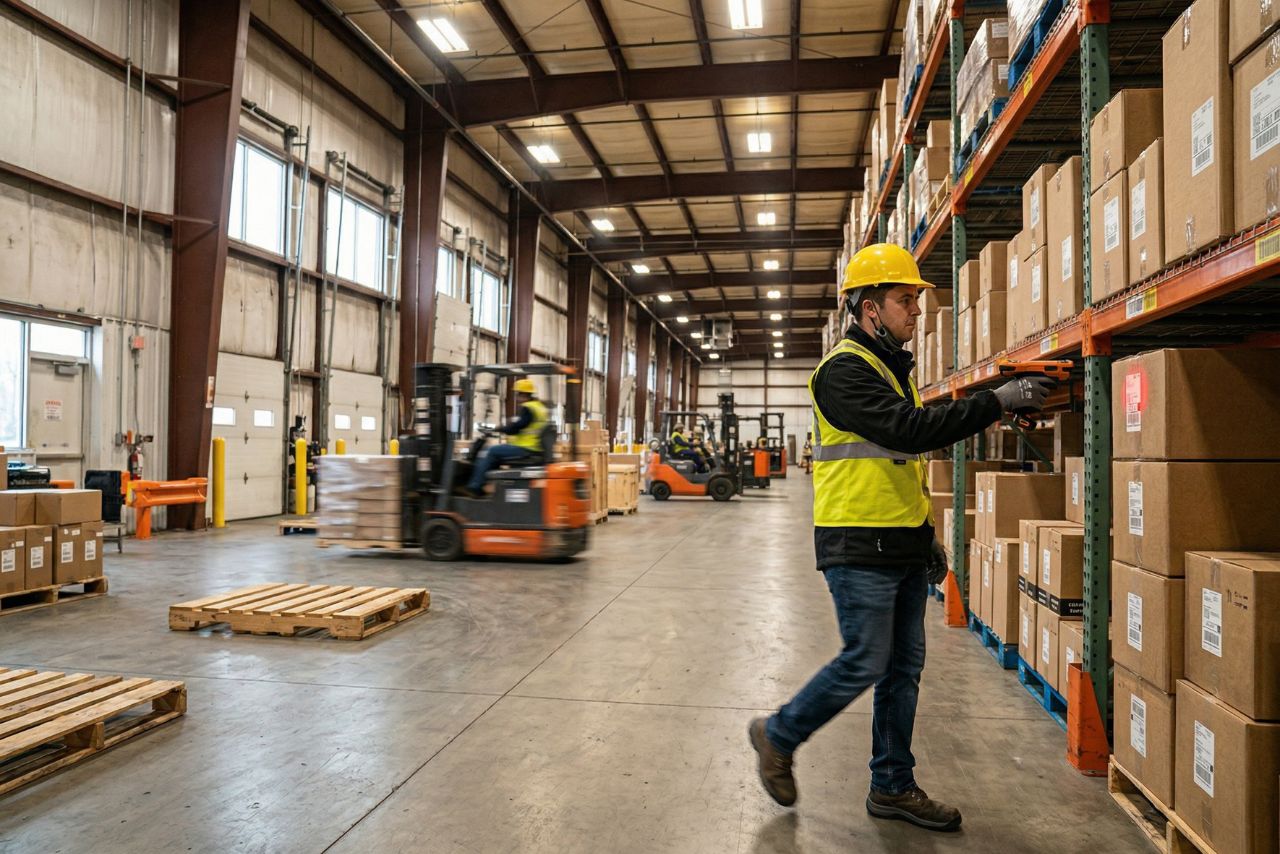
Warehouse and logistics environments are demanding in ways that office or retail environments are not. Concrete floors, temperature swings, dust, forklift traffic, long shifts, and constant physical handling — your scanner needs to survive all of it while staying connected and scanning reliably. This guide walks through the specifications and decisions that actually matter for warehouse and logistics applications.
What Your Scanner Has to Survive: The Warehouse Environment
Before looking at any spec sheet, get an honest picture of what your environment actually throws at hardware.
Drop resistance
Warehouse scanners get dropped. Workers move fast, handles get wet, and handoffs happen under pressure. The industry standard test is a 1.5-meter drop onto concrete. For environments where devices are handled frequently or work near elevated picking positions, look for devices rated to 1.8 meters. This specification is usually listed as a drop spec in meters — if it's not on the spec sheet, ask.
IP rating
IP65 is the practical minimum for serious warehouse use: fully dust-tight and resistant to water jets. IP67 adds brief submersion tolerance, which matters in cold chain environments where condensation can be significant when moving between temperature zones. For food production or wet environments, IP69K (high-pressure water jet resistance) may be required.
Operating temperature
Standard warehouse conditions (roughly 5°C to 40°C) are handled by most commercial scanners. Dock areas exposed to outdoor temperatures, cold storage facilities, and freezer warehouses require hardware specifically rated for those ranges. Operating a standard scanner at -10°C won't just slow it down — it will shorten battery life significantly and may cause permanent damage over time.
Matching the Device to the Workflow
Different warehouse tasks have different scanning demands. Matching form factor to workflow is one of the highest-leverage decisions in scanner selection.
Receiving and put-away
Scan volumes are moderate, items vary in size and barcode placement, and operators are moving through a receiving dock. A mid-range rugged handheld with a good ergonomic grip and reliable 2D imaging covers most receiving workflows. The priority is versatility — you're reading a wide range of label types and orientations.
Picking
This is typically the highest-frequency scanning task in a warehouse, and it's where ergonomics matter most. Workers are making scan decisions continuously for hours at a stretch. A scanner that's slightly heavier than necessary, or that requires repositioning to get a clean read, will cause fatigue and slow throughput. For high-volume picking environments, wearable ring scanners are worth evaluating seriously — freeing both hands has a measurable impact on pick rate and fatigue levels.
Packing and shipping verification
These are fixed workstations with predictable scan distances and controlled label quality. A corded presentation scanner or a fixed-mount imager can do this job reliably at lower cost than a full rugged handheld. Save the rugged units for the floor.
Inventory and cycle counting
Operators are typically moving through the entire warehouse, scanning across a wide range of storage locations. A long-range imager that can read barcodes from a greater distance (useful for high rack storage) is a legitimate advantage here. Batch mode operation — storing scans locally when out of Wi-Fi range and syncing on return — can also be valuable in facilities with wireless dead zones.
Wireless Connectivity in a Large Facility
Wireless connectivity sounds straightforward until you run into the realities of a large warehouse: metal racking that reflects and absorbs RF signals, moving equipment that creates interference, and the dead zones that appear in corners, loading docks, and near freezer walls.
Wi-Fi vs. Bluetooth
Wi-Fi scanners connect directly to your network and can transmit data to your WMS in real time from anywhere in the facility. This is the right choice for operations where real-time inventory visibility is required, and where the WMS needs to direct workers dynamically (assigning tasks, confirming put-away locations, flagging exceptions). Bluetooth scanners connect to a local device — a tablet, a terminal, a PC — and are practical for smaller areas or fixed workstation configurations.
Wi-Fi 6 and roaming
Modern warehouse scanners increasingly support Wi-Fi 6 (802.11ax), which improves performance in dense device environments and handles the transition between access points (roaming) more smoothly. In a large facility with dozens of devices, this matters. A scanner that drops the connection mid-transaction or takes several seconds to re-associate with a new access point creates the kind of intermittent problems that are frustrating to diagnose and costly in cumulative productivity terms.
Battery Life and Shift Management
Eight to twelve hours of continuous use is the standard expectation for a warehouse shift. Most quality rugged scanners meet this, but battery performance degrades over time, and a device that lasts 10 hours when new may be struggling at 6 hours after 18 months of use.
Hot-swap battery design is worth prioritizing: it allows a depleted battery to be swapped in seconds without shutting down the device or losing the active session. For operations running multiple shifts, this eliminates downtime during handovers. Build battery replacement into your total cost of ownership calculation — a quality replacement battery for an industrial scanner typically costs $50–$100, and most operations will need to replace batteries every 1–2 years with heavy use.
Integration: Does It Talk to Your WMS?
A scanner is only as useful as its connection to your warehouse management system. Integration approaches vary:
- Keyboard wedge / emulation: The scanner acts as a keyboard — scanned data appears as typed input in whatever field is active on screen. Simple and compatible with virtually any system, but limited in functionality.
- SDK/API integration: The scanner manufacturer provides a software development kit that allows developers to build tighter integration with specific WMS platforms. This enables richer workflows — confirmed picks, exception alerts, dynamic task assignment — but requires development work.
- Pre-built connectors: Many major WMS platforms have pre-built connectors for popular scanner brands. If your WMS is from a major vendor, check whether they have a certified hardware list or a preferred scanner partner.
Before committing to a scanner platform, verify compatibility with your WMS vendor. A scanner that works perfectly in isolation but creates friction at the integration layer will cost more to operate than its purchase price suggests.
The Warehouse Scanner Buying Checklist
| ✓ | Question to Ask | Why It Matters |
|---|---|---|
| ☐ | What is the floor surface and drop risk? | Sets minimum drop rating requirement (1.5m vs 1.8m concrete spec) |
| ☐ | What is the temperature range the device must operate in? | Flags cold chain, freezer, or outdoor dock requirements |
| ☐ | What IP rating does the environment require? | IP65 standard; IP67 for cold chain condensation; IP69K for wash-down environments |
| ☐ | What barcode types and conditions will be scanned? | Determines 1D-only vs. 2D imager, DPM capability, and decode performance on damaged labels |
| ☐ | What are the primary workflow tasks? (pick / receive / verify / count) | Drives form factor selection: handheld, wearable, fixed, or long-range |
| ☐ | How long is the shift and what are the battery swap options? | Determines required battery capacity and hot-swap need |
| ☐ | Does the operation require real-time WMS data flow across the facility? | Determines Wi-Fi requirement vs. Bluetooth or batch mode |
| ☐ | Is Wi-Fi 6 / seamless roaming needed across a large floor plan? | Flags need for enterprise-grade wireless specification |
| ☐ | How does the scanner integrate with your WMS? | Determines keyboard wedge vs. SDK/API vs. pre-built connector approach |
| ☐ | What is the expected device lifespan and replacement battery cost? | Completes the total cost of ownership picture |
Ready to Spec Your Warehouse Scanner?
The right warehouse scanner is one that's built for the environment it will work in, matched to the workflow it supports, and connected in a way that keeps your WMS data accurate in real time. Use the checklist above as your starting framework, and don't optimize purely for purchase price — the total cost of ownership picture tells the more honest story.
[CTA Button: Explore Further] [Link to Solutions → Warehousing]
For a broader look at how to evaluate barcode scanner durability and selection criteria across industries, see our Buyer's Guide overview. To explore hardware options built for warehouse and logistics environments, take a look at our product range.